
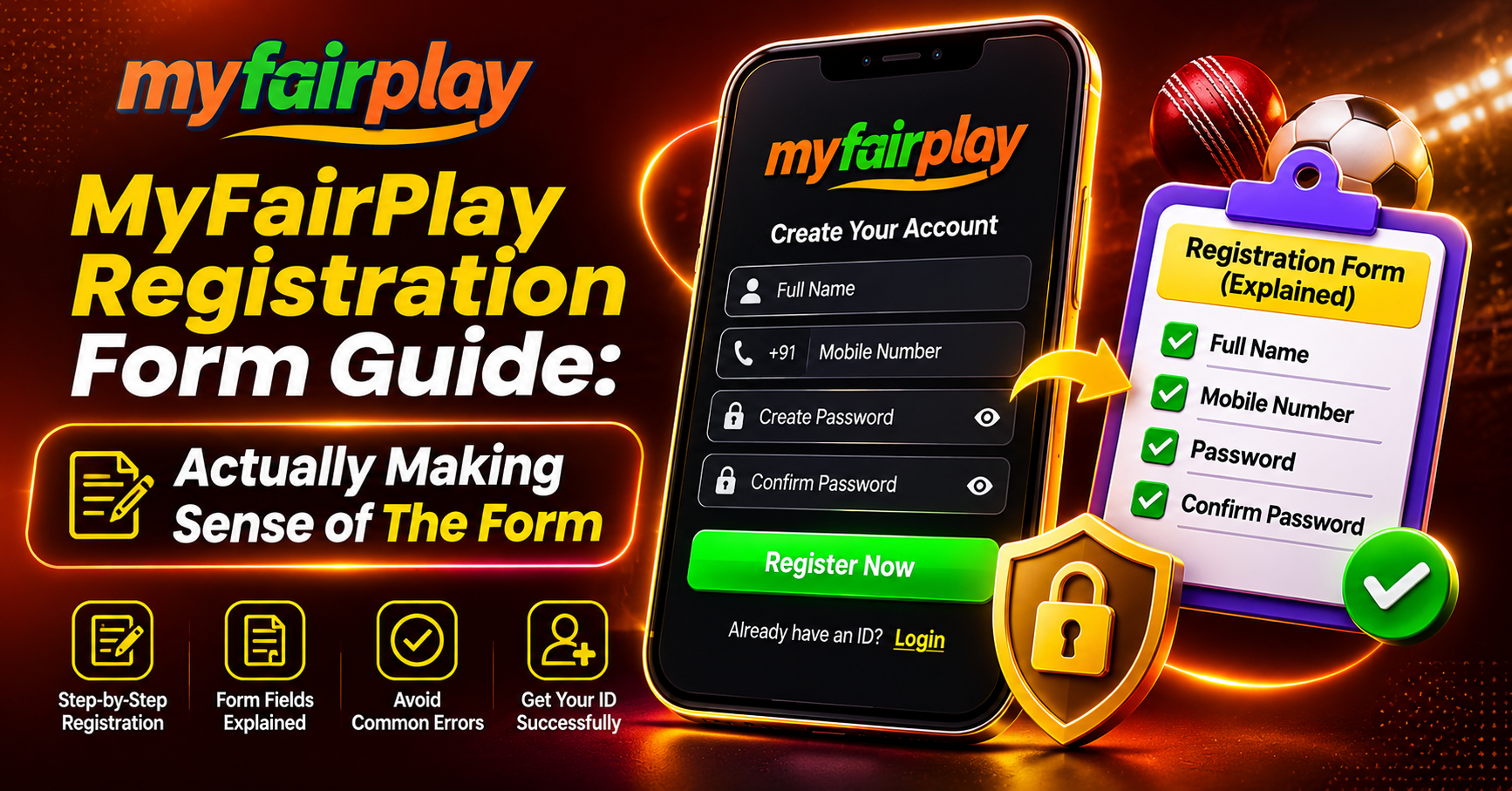
MyFairPlay Registration Form Guide! If you’ve ever stared at a sign-up form and thought “yaar, why is this so confusing” – you’re not alone.
First time on any new platform is like that. What do they want? Why OTP not coming? Did I already make an account last year and forget?
My cousin in Nashik literally called me last week. He was like “bhai, this MyFairPlay form is asking for referral code, what do I put?” He was stuck on that one box for like 20 minutes. It’s always the small things that trip you.
So let’s just break down this MyFairPlay Sign Up thing properly. Not the copy-paste help center stuff, but what you actually need to know before you type anything.
One important thing upfront – these forms change. Like, what I’m telling you today might look a little different next month. So always, always double-check on the real, verified site. Not from some guy’s link on Telegram. I’m saying this again because this is where 90% of problems start.
MyFairPlay Registration Form Guide! Okay, so what even IS registration?
It’s just making a new ID for the first time. That’s it.
People mix up four things all the time and then they panic.
Registration is when you never had an account before. You’re new.
Login is when you already have one and you’re just going in again.
Verification is that OTP thing to prove your number is yours. You know, that 6-digit code.
Recovery is when you forgot your password and you’re locked out and you need to get back in.
If you already have an ID, don’t register again. I have a friend who made three IDs with three different numbers and now he has no clue which one has his details. He keeps messaging me “bhai kaunsa wala tha?” Don’t be him. If you have an account, use login. If you forgot password, use recovery.
What will the form ask you for? What details are required?
Depends. Every platform asks a slightly different set. But usually it’s some version of this, and honestly it’s pretty standard stuff:
Name – so they know who you are. Put your real name.
Mobile number – for OTP and to contact you if needed. This is the most important one.
Email address – sometimes, for recovery. Not always mandatory.
Username or account ID – what you’ll use to log in. Some sites give you one, some let you make it.
Password – obviously, to protect your account.
OTP code – to prove that number is actually yours and not someone else’s.
Referral code – sometimes there’s a box for it. 90% of the time it’s optional, you can leave it blank.
Look, this isn’t the official, final, stamped list for MyFairPlay. It’s just what these forms generally ask. I can’t promise this is exactly what you’ll see, because they update forms. So check what YOUR screen actually shows before you fill anything.
And if a form suddenly asks for bank account details, Aadhar scan, card PIN, or “send 500 rupees to activate”? Close it. Right there. The real registration doesn’t need that. Ever. That’s a huge red flag.
Don’t provide sensitive documents unless the platform clearly explains why they need it and how they will protect it. If it feels off, it probably is off.
How to Register: Step-by-Step Guide For Beginners
Okay, let’s go step by step. I’ll tell it like I’d tell someone sitting next to me at a tea stall.
Step 1: Find the Verified Registration Page. This is the most important step.
I know I keep saying this, but this is where people get scammed. Don’t click “MyFairPlay registration link” from some random ad on Facebook or some comment that says “100% trusted ID provider contact on WhatsApp”. Official Link: MyFairPlay Registration.
Type the address yourself, or go through a source you have verified yourself. Check the spelling. Myfairplay, myfair-play, my-fairplayy, myfairplay-exchange – scammers make tiny changes you won’t notice at first glance.
Look for weird redirects too. If you click and it goes to some completely different site with a lot of pop-ups, close it.
Step 2: Open the Sign-Up Section.
On the real site, it’ll say Sign Up, Register, Join Now, Create New ID, something like that. It’s usually at the top right corner. Click that.
It will open a form. It might have 4-5 fields. Read the labels first before you start typing like crazy. If the page only shows Login and says “Already have an account?” then maybe you already have an account? Think about it.
Step 3: Enter Your Required Details. Slowly.
This is not a race.
Name – your real one. Don’t put “King Kohli” or “Aviator Expert”. If they ever verify later, you’ll have a problem.
Mobile number – your own, not your cousin’s, not your shop’s. Your personal number that is in your phone right now. And check the country code – for India it’s +91. I saw a guy put +92 by mistake and waited for OTP for an hour.
Email – if they ask, use the one you actually open. Not the one you made in school in 2012 that you don’t even remember the password for.
Username – some sites let you make one, some give you an ID automatically like “MFP123456”. Whatever it shows, follow that instruction.
Referral code – if you have one from someone you actually trust and the site says it’s optional, fine. Don’t Google “MyFairPlay referral code hack” and put random codes from Reddit. There’s no guaranteed bonus thing, no matter what those YouTube videos say.
Make sure the information is accurate and belongs to you. Don’t use someone else’s number. Using contact details you cannot access will create problems during verification or later when you need to recover your account.
Step 4: Create a Strong Password. Please do this properly.
Look, don’t do aatif123 or password@123 or mumbai@2024. Everyone does that.
A good password should be something you haven’t used anywhere else. Not your Gmail password. Not your bank password.
Try to mix it a bit – letters, numbers, symbol if they allow. Something like Chai@Andheri2024 is way better – you remember it, others can’t guess it. Or Nashik*First*Bike_19.
And never share your password with any “agent” who says he’ll set up your account for you. No real platform needs your password to help you.
Step 5: Review The Information. Two minutes here saves two weeks later.
Before you hit submit, just look once more. Seriously. Just 30 seconds.
Is your name spelled right? Is it “Aatif” or “Atif”? Mobile number – did you miss a digit? Email – did you write gmai.com instead of gmail.com? It happens more than you think, especially when you’re typing fast on mobile with autocorrect fighting you.
Check username, check referral if you put one. Check password confirmation box if there is one – make sure both match.
Incorrect information may prevent verification or make it harder to recover the account later. You don’t want that.
Step 6: Complete Verification If Required. The OTP part.
Some platforms use OTP, some don’t. If they do, here’s how it usually goes.
- You hit submit or hit “Send OTP”.
- Check your SMS inbox. Not WhatsApp, SMS.
- Make sure the message says it’s from the registration you just did.
- Enter the code only on the genuine platform page where you started.
- If code says expired, request a new one.
An OTP should never be shared with another person. Genuine support staff will never ask you to tell them your OTP on a phone call or WhatsApp. If someone asks, “bhai OTP bata do, I will activate”, that’s a scam. 100%.
The exact verification method and timing depend on the platform’s current process. Sometimes it’s SMS, sometimes email.
Step 7: Submit the Registration Form.
After reviewing everything and completing verification if it was asked, follow the submit instructions.
Wait for a confirmation message. It might say “Registration Successful” or “Account Created” or give you an ID like “Your ID is MFP…”
If the page shows an error, don’t just keep hitting submit again and again. That’s how people end up creating duplicate accounts. First, read what the error says.
Step 8: Save Your Account Information Securely. Don’t lose it now.
If registration is successful, keep your account identifier and login credentials in a secure place.
I use a password manager. You can use one too – Bitwarden, Google Password Manager, anything reputable. Don’t save passwords in public computers, or shared devices, or in your phone notes titled “MyFairPlay password” where anyone can see.
If the platform has security settings after login – like 2-step, or login alerts – go check them. Set them up before you do anything else.
How to Fill MyFairPlay Registration Form Correctly – Field by Field
Let me go a bit deeper, because each field has its own small story.
Name: Enter your correct name. If it’s asking for full name, put full name. Avoid false names. Especially if platform does any verification later, false info will get you blocked.
Mobile Number: Use a number that belongs to you and that you can access right now. Not your office landline, not your dad’s number. Your number. Check digits and country code carefully. A wrong number means no OTP, no recovery, nothing.
Email Address: If they ask for email, use an address you regularly access. The one where you get OTPs, where you can reset password. Check for typing errors. “yahooo.com” instead of “yahoo.com” – small mistake, big headache.
Username or New ID: Some platforms let you create a username like “aatif_mfp”, some assign automatically like “USER89234”. Follow what the verified form says. Don’t assume any particular format unless they mention it. And don’t pick something offensive or weird.
Password: Create a unique one. If there’s a confirmation field, type same password carefully. Look away while typing if people are around.
Referral Code: May appear when referral program is there. Check if optional or mandatory – usually it’s optional. Don’t enter random code from some Instagram page promising “100% bonus guaranteed”. Any promotion should be checked against platform’s actual terms. If terms don’t mention it, it’s fake.
Common Mistakes Beginners Should Avoid – I’ve Seen All of These
Small mistakes during registration lead to big delays. These are the ones I see almost every week.
1. Entering an incorrect mobile number.
You typed 98765 43210 as 98765 43211. One digit. Now verification goes to a stranger. How to avoid? Read the number out loud before submitting. Seriously, say it.
2. Using an inaccessible email address.
You used an old Hotmail you don’t open anymore. Now you forgot password and you can’t recover. Use active email you control.
3. Creating a weak password.
12345678 or qwerty or your birth year. Easy to guess. Use unique password not shared with other sites.
4. Registering through an unverified link.
Fake pages look exactly like real ones. Same colors, same logo. You enter details and they steal it. Verify website address independently before entering anything.
5. Submitting multiple registration forms.
Page loaded slow, so you hit submit 4 times. Now you have 4 accounts and you don’t know which one is active. Check confirmation message first. Use account recovery before trying again.
6. Sharing OTPs with other people.
Someone on call says “Sir, I am from MyFairPlay support, tell me OTP to verify”. No. Real support never asks OTP. Enter code only on genuine page.
How to Fix Common MyFairPlay Registration Problems
Sometimes form doesn’t work. Internet in India, you know how it is. Here’s what generally helps.
Registration Page Is Not Opening.
Could be wrong URL, could be your browser cache, could be your net, could be server down. Try checking address again, try incognito mode, try mobile data vs WiFi, try updated Chrome. Don’t keep refreshing same wrong link.
OTP Is Not Received.
If platform uses OTP, check if number is correct first. Is your network okay? My place in Mumbai, Vodafone in the lift – no network at all. Also check message inbox, spam folder, blocked messages in Truecaller – Truecaller sometimes blocks OTPs. Follow platform’s instruction for resending, but wait at least 60 seconds.
Don’t share your number or OTP with unofficial support accounts on Instagram saying “DM me, I will send OTP”.
Form Submission Fails.
Form may fail because required field missing, or invalid info, or service temporarily down. Read error message – it usually tells you. “Username already taken” or “Invalid email format”. Fix that one field.
Mobile Number Is Already Registered.
This message usually means account already exists with that number. Don’t immediately create another account using different details and a different number. Check official login or account recovery first. You probably registered last year and forgot.
Password Is Not Accepted.
Form may have specific rules – minimum 8 characters, must have symbol, must have number. Read instructions near password box. Don’t keep using same weak password.
Registration Is Pending.
Some platforms need manual verification or extra check before account becomes active. Check if page shows further instructions. Don’t pay an unknown person 200 rupees to “activate fast”. That’s a scam.
Registration vs Login: Which Option Should You Choose?
Beginners always get confused here. Let me make it super simple.
You never created an account before? -> You need Registration.
You already have an account ID and password? -> You need Login.
You forgot your password? -> You need Account recovery / Forgot password.
Your contact information needs confirmation? -> You need Verification.
Your registration didn’t complete and you’re not sure? -> Check registration status first, don’t start new.
Your mobile number says already linked? -> Check existing account or recovery, don’t make new one.
Creating another account is not always the right solution when you cannot access existing one. Recovery is usually better. Trust me.
FAQs
How to register on MyFairPlay?
Find the verified official registration page yourself – don’t use forwarded links. Review its instructions, enter requested information accurately, complete verification if asked, and submit. Exact steps depend on official process that day.
How to fill MyFairPlay registration form?
Complete fields shown on verified form. Usually name, mobile, email, username, password. Check all details carefully before submitting. Don’t rush.
How to create a MyFairPlay new ID?
If platform offers new-account registration, follow its verified sign-up instructions. Enter your own details, create secure credentials, complete verification. Don’t create another account if you already have existing ID – you’ll just get confused.
What details are required for MyFairPlay registration?
Depends on actual form that day. Usually name, mobile number, email address, username, password.
Can I register if my mobile number is already linked to an account?
It usually means account already exists. Check official login or account recovery process before attempting to create another account. Don’t make duplicate.
Is it safe to share registration details with an agent?
No. Be very cautious. Don’t share passwords, OTPs, banking PINs, or sensitive account info with any agent or unknown person. I have seen people lose accounts like this. Use verified platform channels and review its privacy info before providing personal details.
Conclusion
Completing an online registration form is easier when you understand what each field is actually for and you verify the website before typing personal information. That’s the whole game.
This MyFairPlay registration form guide covers general account creation process, possible registration details, form submission, verification, common errors, and security precautions beginners should know – but in a way that actually makes sense, not like a robot wrote it.
If you already have an account, use login or recovery instead of submitting another registration form. Don’t make life harder for yourself.